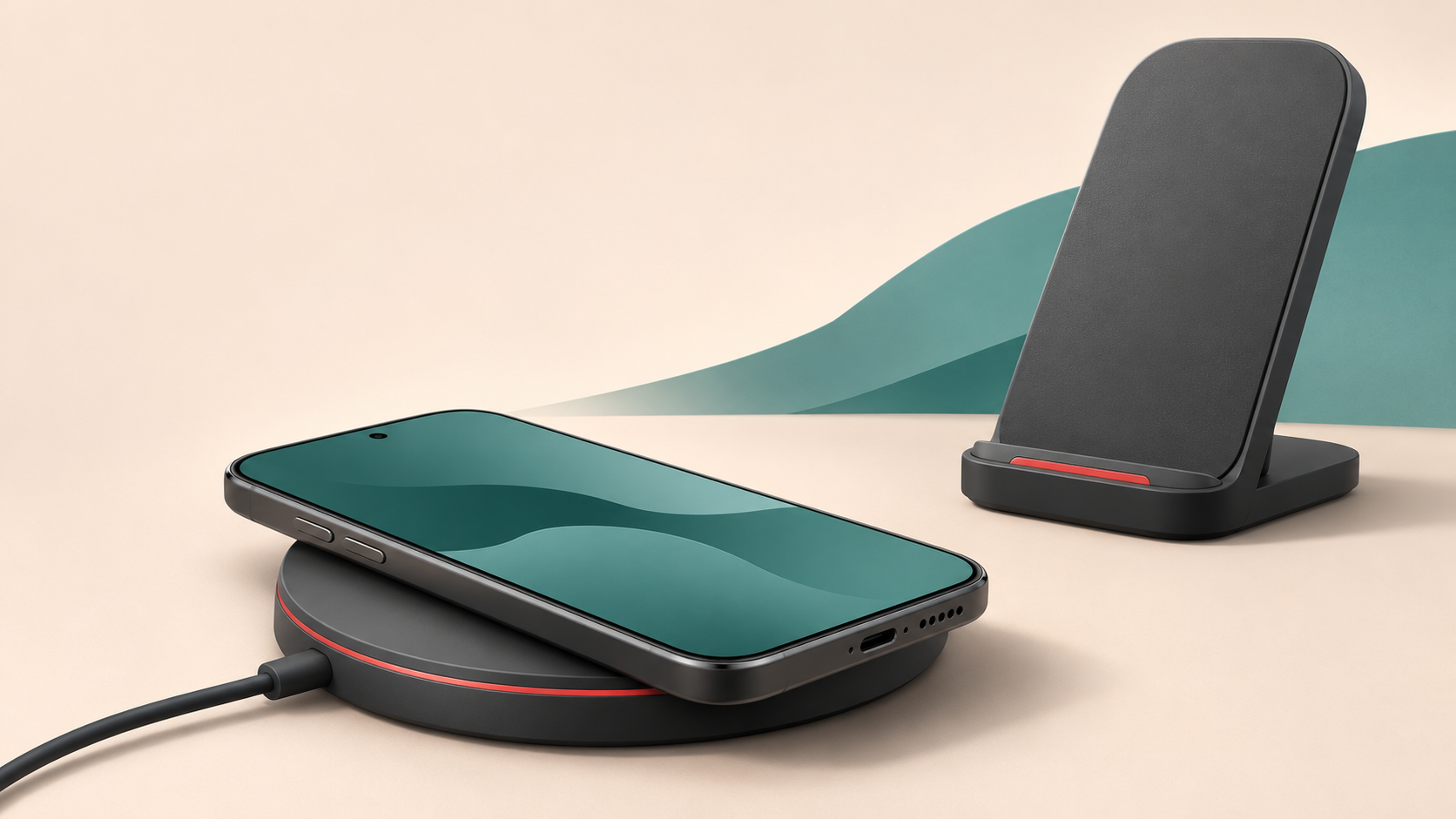
Choose a wireless charger by matching your exact phone, charging standard and power adaptor first. Then decide whether a pad, stand or multi-device station suits your space. A magnetic attachment or a large wattage on the box does not, by itself, tell you how fast your phone will charge. This guide explains the checks to make before buying a wireless charger in New Zealand.
Start with the phone you actually own
Look up the full model name in your phone's settings and check its manufacturer's charging specifications. Similar names within a phone range can hide different features. Confirm wireless charging support, the supported standard and any requirements for faster charging.
Write down the case you use as well. A bulky case, wallet attachment or protruding camera surround can affect how the phone sits on a charger. Comparing only the phone and charger leaves out a part of the setup you use every day.
For a shared household charger, check each phone separately. If the listing leaves compatibility unclear, resolve that question before choosing a colour or extra charging position.
Qi, Qi2 and magnetic charging: what matters?
Qi is a wireless charging standard developed by the Wireless Power Consortium. Qi2 adds magnetic alignment to help position compatible devices. The original Qi2 specification supports up to 15W, while Qi2 25W supports higher power with compatible equipment. These are capabilities of a standard, not a promise that every phone will receive that power.
For certification claims, check the exact model in the Wireless Power Consortium's information and certified-product lookup. A description such as “magnetic” or “MagSafe compatible” should not be treated as proof of Qi2 certification.
Separate three questions when comparing a listing:
- Does it support wireless charging with my exact phone?
- Will my phone and case attach or sit correctly?
- What charging performance does the manufacturer specify for this combination?
A product can answer one question positively without answering all three. Do not infer certification, a particular speed or broad phone compatibility from the appearance of a charging ring.
Check the power supply, not just the charging pad
A desktop wireless charger still needs power. Read the listing for the required adaptor output, cable and supported fast-charging protocol. Check what is included in the box; a photograph showing a cable does not establish that a wall adaptor is supplied.
Pay particular attention to multi-device stations. A headline number may describe combined output across several ports rather than the wireless output available to one phone. Find the specification for the position you intend to use.
If you need a separate USB-C cable, match it to the charger's requirements. The connector shape alone does not confirm the complete power setup. For a mains adaptor, check that the supplied plug is suitable for use in New Zealand.
A useful comparison is the complete setup cost: charger, required adaptor, cable and any compatible case. This avoids choosing a seemingly cheaper pad and discovering that the accessories you need are extra.
Choose a shape that suits where you charge
At a bedside table
A flat pad can suit a phone you leave alone overnight. Check its footprint, how clearly you can confirm charging has started, and whether its indicator light is suitable for a dark room. Look for a surface that lets you place the phone consistently without balancing it near an edge.
At a desk
A stand keeps the display visible. Check the viewing angle and whether your phone fits in the orientation you prefer. Think about the space behind the stand for its cable, particularly on a shallow desk pushed against a wall.
For several devices or travel
List the exact phone, watch and earbuds you want to charge. Confirm each charging position individually, including the earbuds case. “Three-in-one” describes the arrangement; it does not establish compatibility with every combination of three devices.
For travel, compare folded size and the adaptor you must carry as a set. A folding stand is less useful if its power supply takes up most of your bag.
If charging is slow or intermittent
Before replacing the charger, confirm that it is connected to the specified power supply and that the phone is correctly positioned. Remove wallet attachments and anything trapped between the phone and pad. If a thick or metal case interferes, follow the phone manufacturer's advice about removing it.
Apple's wireless charging guidance explains that positioning, cases and temperature can affect charging. It also notes that an iPhone may limit charging when the battery becomes too warm. Move the setup to a cooler location if needed; a maximum wattage is not a constant charging speed.
If the same problem continues, record the phone model, charger model, adaptor details and when charging stops. Those details make a compatibility question much easier to answer than “my wireless charger is slow”.
A quick checklist before ordering
- Exact phone model and wireless charging support confirmed.
- Case fit and any magnetic attachment requirements checked.
- Charging standard and certification claims verified where stated.
- Phone-position output distinguished from total station output.
- Required adaptor and cable identified, including what is supplied.
- Every additional device checked separately.
Frequently asked questions
Will a 25W wireless charger give every phone 25W?
No. The phone and complete charging setup must support the relevant charging mode. Use the manufacturer's specification for the exact combination, rather than the charger's largest advertised number.
Does a magnetic case add wireless charging to any phone?
A magnetic case alone does not establish wireless charging support. Check the phone's specifications first, then check the case and charger requirements.
Should I buy a pad or a stand?
Choose a pad for simple placement on a surface, or a stand if you want to see the screen while it charges. Compatibility and fit should decide your shortlist before appearance does.
Compare the details before you choose
Browse Raytech's wireless chargers and compare the listed compatibility, required power supply and included accessories against your checklist. Confirm any missing detail before ordering.