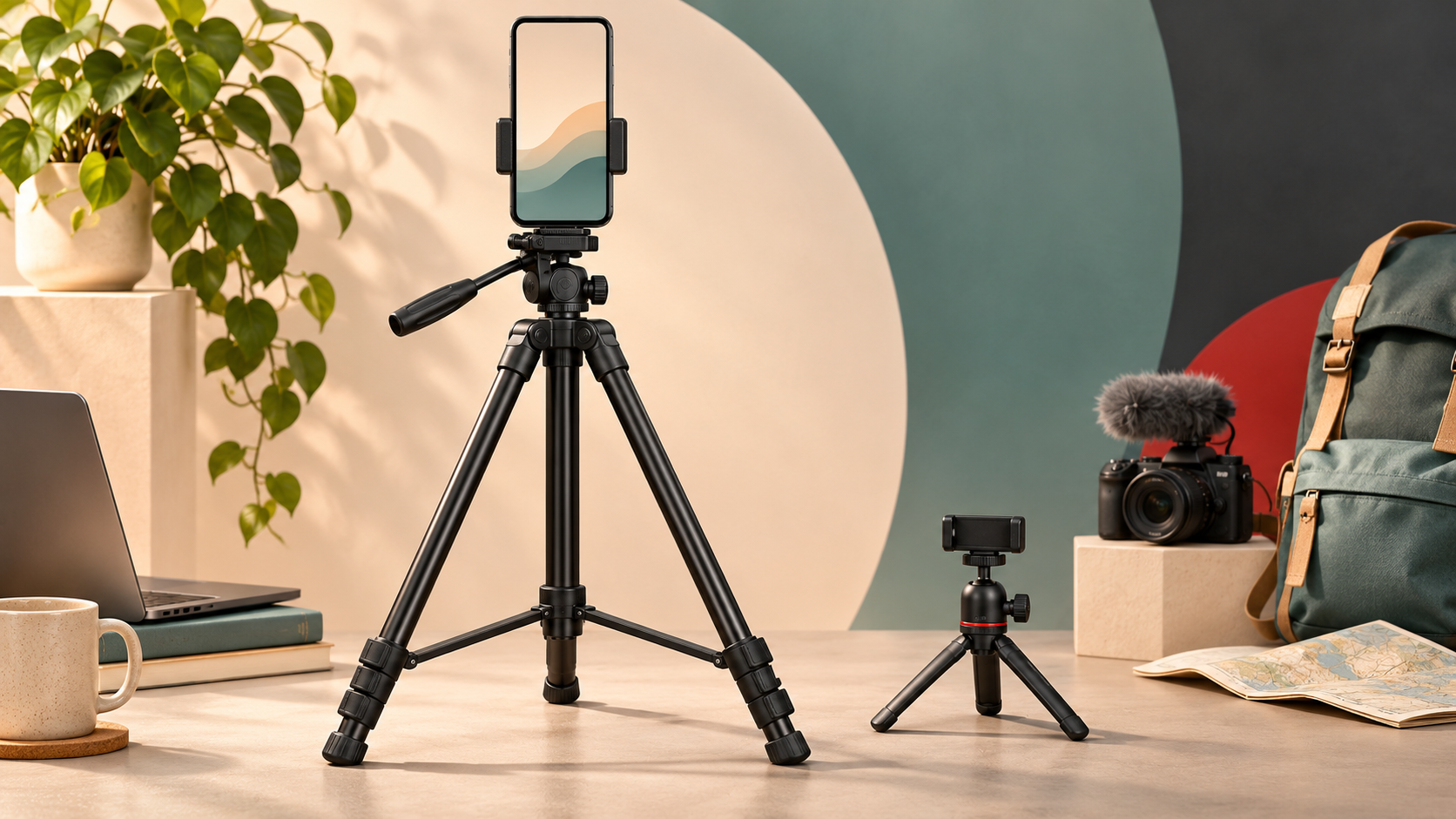
The right phone tripod is the one that holds your phone securely at the height and angle your shot needs. A small desk tripod can suit calls, while standing presentations need more height. For travel, folded size matters alongside stability. Start with your usual recording position, then check phone fit, orientation and what comes in the kit. This guide helps you compare those details without buying unnecessary extras.
Describe the shot before comparing tripods
Picture where the phone will sit and where you will be. A video call from a desk, a standing product demonstration and a family photograph in a park place different demands on the same piece of equipment.
Write down three things: the surface available, the camera height you want and whether the phone needs to move during recording. This gives you a useful shortlist before you compare brand names or maximum heights.
- Desk calls: prioritise a stable footprint and a comfortable camera angle.
- Standing presentations: check useful working height and framing distance.
- Travel photos: compare packed size, carrying weight and where you can safely place it.
- Product videos: check tilt, orientation and room around the subject.
A short tripod can be useful on a desk but unsuitable on the floor. Conversely, a tall tripod may take up more space than you have beside a keyboard.
Measure the phone with its case fitted
Check the holder's stated size range against your phone in the case you normally use. Look beyond width: the jaws must also accommodate the case thickness without obstructing buttons, lenses or the charging connection.
A listing for a camera tripod may not include a phone holder. Confirm whether the kit includes the clamp, head and any plate or adaptor needed to join them. Where separate parts use a screw connection, check that their specifications match.
Manufacturer JOBY's mount specifications illustrate why the connection and load rating belong to the individual accessory. A mount is not automatically a complete freestanding tripod, and features on one model do not apply to every product with a similar name.
Do not force a tight fit. Before filming, support the phone with one hand while checking that the holder and joints are properly secured according to their instructions.
Check portrait and landscape positions
If you make vertical social videos and horizontal calls, check how the holder changes orientation. Look for a clear description or demonstration of the mechanism rather than assuming the phone can rotate because the tripod head moves.
Consider the composition after rotation. Will the phone sit centrally over the support? Can you still reach its controls? Does the holder clear the camera? Test these positions close to a safe surface before extending the tripod.
Also check the space for connected accessories. If your setup needs a USB-C cable, allow enough slack that moving the phone does not pull the stand. Connector clearance is more useful to check before filming than halfway through a take.
Compare working height, not just maximum height
Maximum extension is only one specification. Check whether the tripod remains practical at the height you need, how widely its legs open and how much floor or desk space that uses. A low stance can suit a tabletop product shot even when the same stand cannot reach your face for a standing presentation.
Keep the setup within the manufacturer's limits, including the combined weight of the phone, holder and any attached accessories. Do not treat a camera load rating as a guarantee against tipping in every position.
For outdoor use, choose level ground and reassess the setup if wind or foot traffic makes it unstable. Keep it within reach, avoid exposed edges and do not leave an extended phone unattended just to get a wider shot.
Decide whether the camera stays still
A tripod supports a fixed camera position. That suits repeatable framing for a tutorial, interview or product demonstration. If you want to move the view during a shot, check whether the head is designed for controlled panning and tilting.
A gimbal serves a different purpose: stabilising the camera while it moves. K&F Concept's phone tripod guide distinguishes fixed-position shooting from walking footage. A selfie stick that opens into a tripod should not automatically be treated as a motorised stabiliser.
For a simple talking video, a fixed shot may be all you need. Try that composition first before paying for tracking or movement features you have not identified a use for.
Check the remote and included accessories
A remote can be convenient for group photographs, but check the exact phone and app compatibility and what its buttons control. Starting a video, taking a still photo and controlling a third-party app are separate functions. Do not assume a “Bluetooth remote” label guarantees all three.
Read the contents list for the remote, phone clamp, carrying bag and any required battery. If a kit includes a light or accessory mount, check how it attaches and whether it competes for the space used by your phone or microphone.
Compare the complete kit you will carry. A compact tripod plus several separately packed adaptors may be less convenient than its folded dimensions suggest.
Try this short setup check
Before an important call or recording, make a short practice clip in the position you plan to use:
- Open the legs as instructed and secure the phone and head.
- Set the framing and check that buttons and lenses are clear.
- Connect any cable without tension on the phone or tripod.
- Start recording, let go and wait briefly for movement to settle.
- Review the clip for framing, movement and usable sound.
This is a setup check, not a product performance test. A steady picture does not guarantee clear audio or good lighting, so check the whole recording before you commit to a long take.
Frequently asked questions
Can a normal camera tripod hold a phone?
Often, with a compatible phone holder and matching attachment. Check the individual parts, supplied accessories and load limits rather than assuming a camera tripod includes everything.
Is a taller phone tripod always better?
No. Choose the working height and footprint that suit your shot. Unused extension adds no value if the setup is awkward to place or carry.
Do I need a tripod for video calls?
It can help when you need a repeatable camera position, but a suitable desk stand may be enough. Decide based on the angle, space and adjustment you need.
Build a shortlist around your recording setup
Browse Raytech's tripod options and compare phone-holder fit, working height, orientation and included accessories. Choose the setup that solves your actual shot.